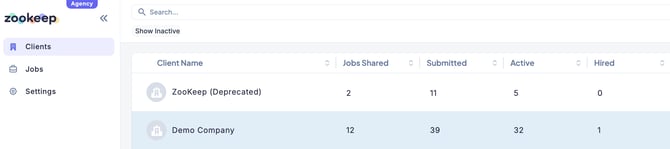
In the Agency Portal, only the jobs that the client has shared with your agency will appear.
This section explains how to view shared jobs and how to use filters to narrow down the list.
- Click “Jobs” from the sidebar.
All jobs shared by the client will be displayed in a list.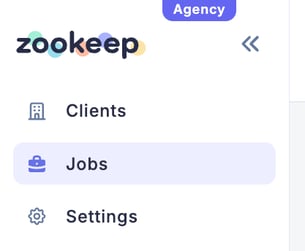
-
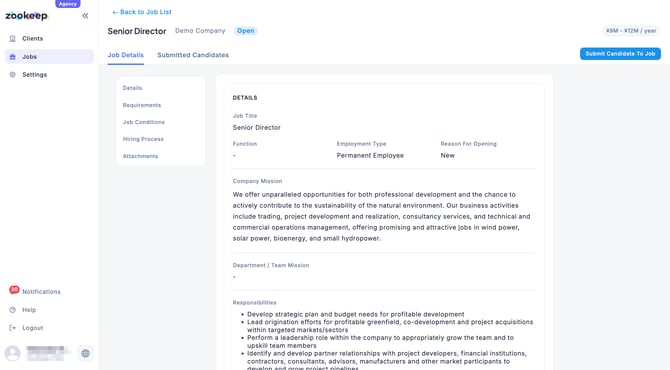
Click a job title to open the job details and view the candidates already submitted.
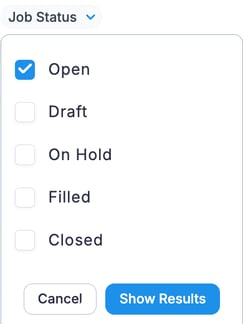
💡 Within the Jobs tab, you can efficiently narrow down the list using filters such as Client Name or Job Status.
You can also display only the jobs for a specific company by clicking the client name under the Clients tab.