This setting can only be configured by Administrators.
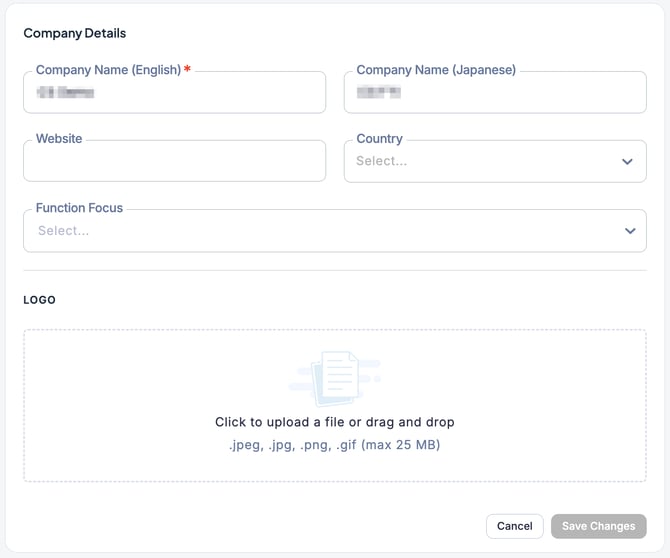
In the company information settings screen, you can configure or edit your company details.
Only administrators can set or edit company information.
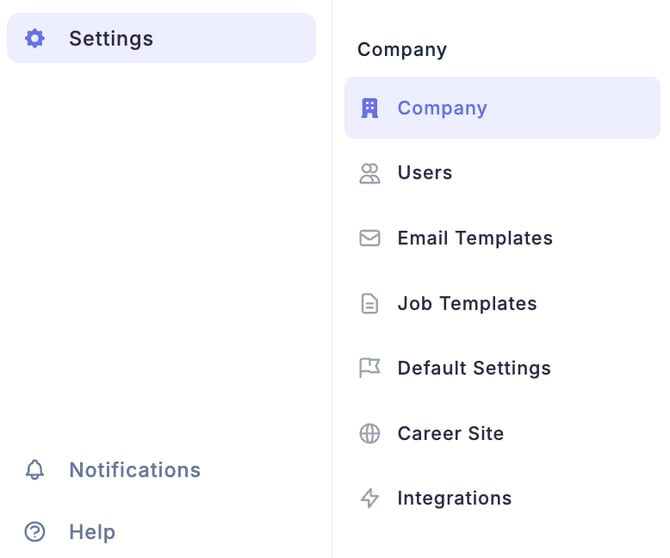
- Click Settings (gear icon) on the left side of the screen to access the Settings.
- Select Company.
- On the Company Details Settings page, you can:
-
Set the company name (English / Japanese), website link, and logo
-
Select the Country
-
Set the Functional Focus