- In the Candidates section, click the Export As CSV button.

- Select the items you want to export, then click the Confirm button.
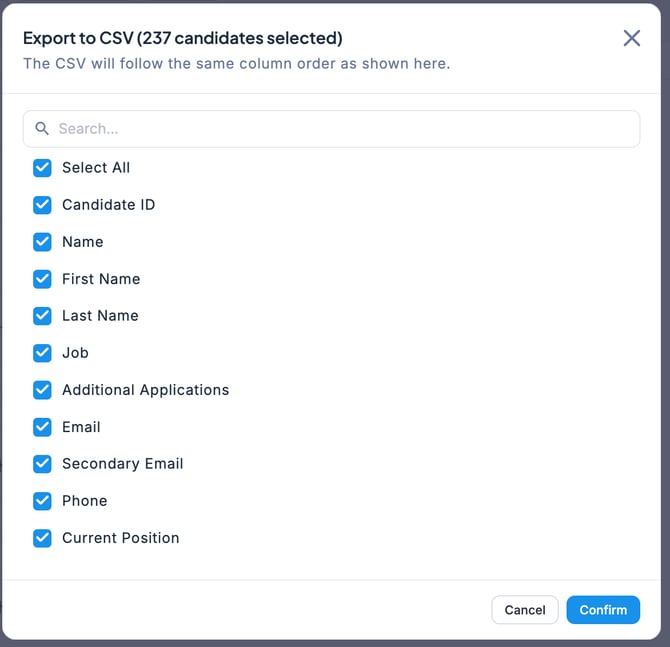
- The CSV data has now been downloaded. (Please check the folder where downloaded files are saved.)
English - United States
