Each Job’s hiring pipeline is managed in the candidate’s Stages tab.
Here, we will introduce the Entry Stage.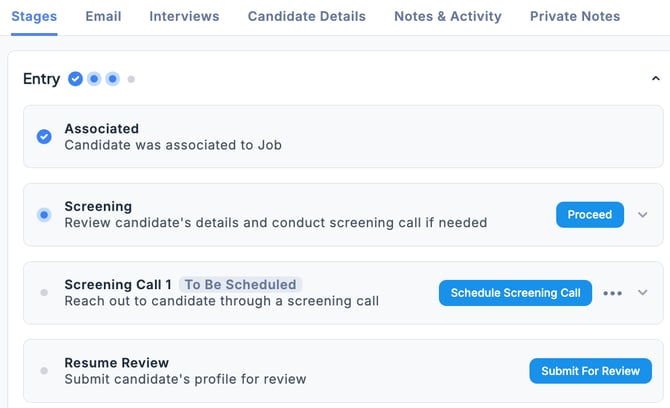
-
Associated To start the candidate’s selection process, click Start.
-
Screening This section is used to manage the document review process.
-
View a brief profile of the candidate.
-
If there are any notes or handover details, enter them in the Notes section.
-
Click the Proceed button to proceed with scheduling a screening interview.

-
-
Resume Review
- Once the screening is complete, click the Submit For Review button to request the Reviewer to review the candidate’s profile.
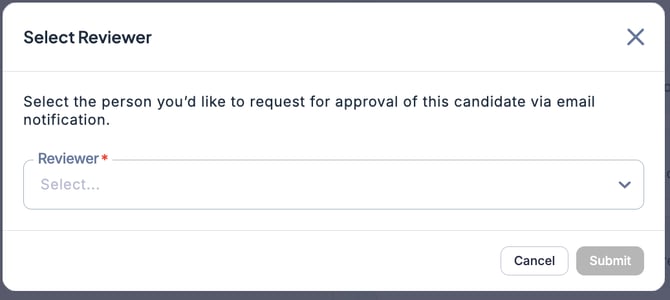
💡 When you click the Submit For Review button, you can select the recipient to request the review.