💡 For Power Users and Collaborators, the content displayed may vary—or may not be displayed at all—depending on their permissions or the roles assigned within the Job.
Each Job’s hiring pipeline is managed in the candidate’s Stages tab.
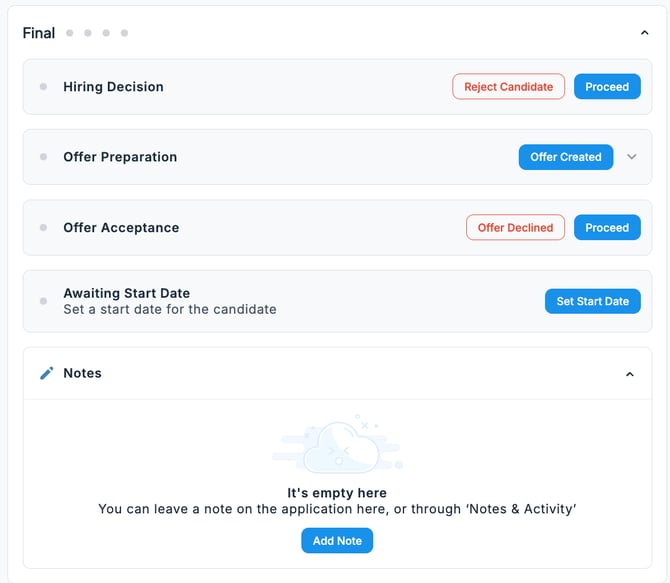
Here, we will introduce the Final stage.
-
Hiring Decision
Record the candidate’s hiring outcome.
-
Offer Preparation
Register the progress of the offer by clicking the Offer Created button. You can either send an offer letter to the candidate directly or upload a PDF (or other file format) of the offer letter for record-keeping.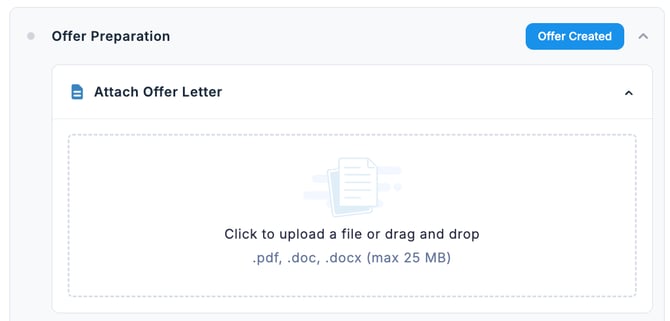
-
Offer Acceptance
Record the candidate’s offer acceptance result.
- Awaiting Start Date
Record the candidate’s start date.
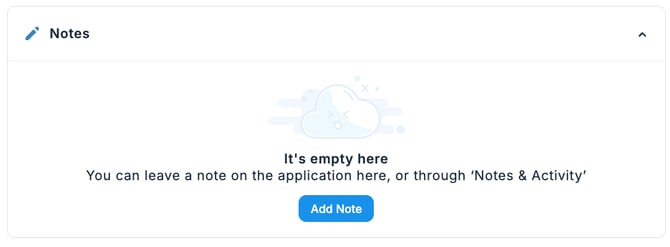
- Notes If there is information you want to share with your team, you can register it as a note. The content will also be available in the Notes & Activities tab.