
Once the selection process has started, begin with screening (document review).
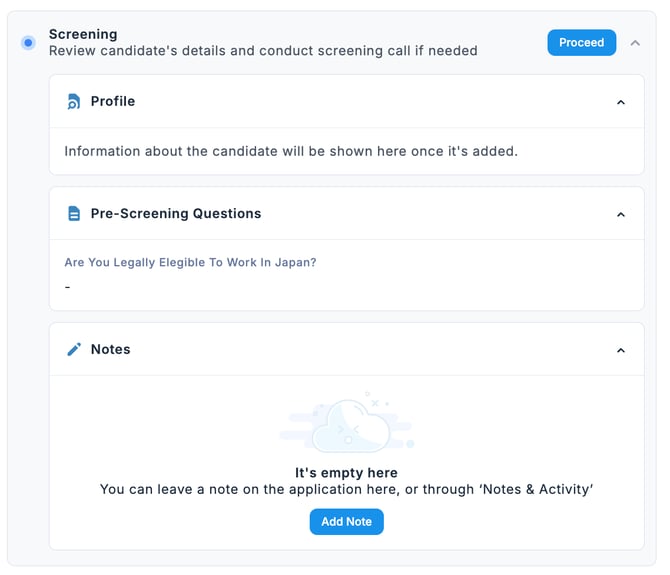
- In the Applications tab of the Jobs, select the candidate, then in the Stages tab under the Screening section, review the Profile, Screening Questions, and Notes.
-
Once the screening is complete, click Proceed.

💡 If you want to revert from the Proceed status back to the previous state, click the red arrow to cancel it.