
This section explains how to send proposed interview dates to a candidate via email through the ZooKeep system.
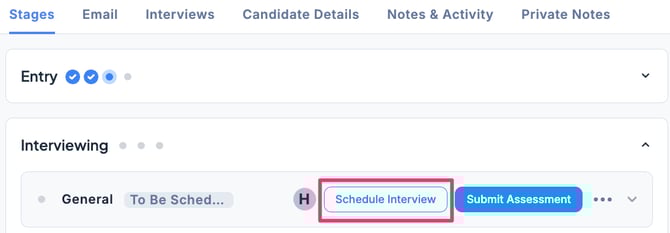
- In the Applications tab of the Job, select the candidate, then in the Stages tab under the Interviewing stage, click Schedule Interview.
- In Scheduling Type, select Propose Time Slot (Send interview time slots to Candidate) and set the candidate’s available time slots.
If you want to propose multiple options, click + Add Time Slot.
To delete a proposed Time Slot, click the trash can icon.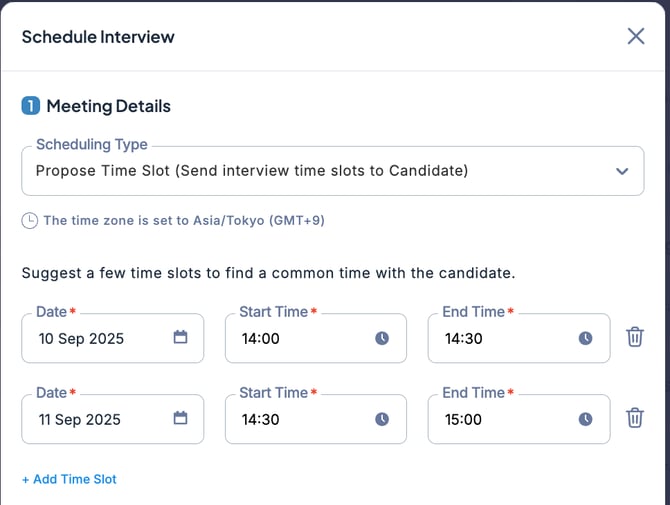
- If necessary, adjust the recipient and content of the email, then click + Schedule Send or Send.
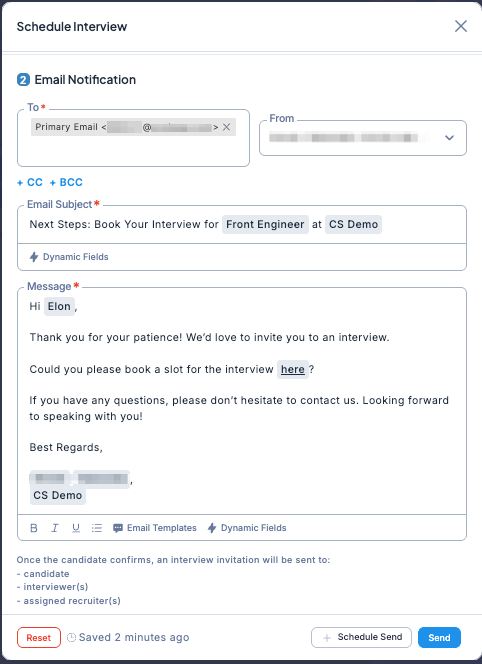
💡You can also use an email template for the message you are sending.