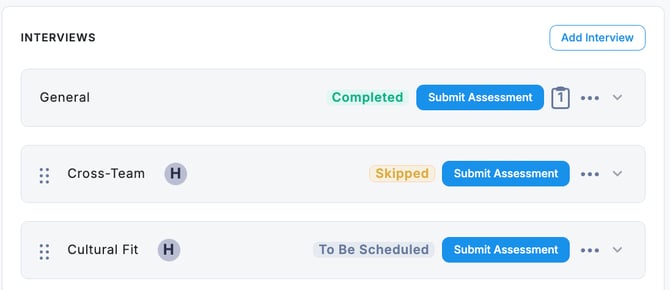
If you need to skip a scheduled interview, update its status. Here, we will explain the steps to skip a Cross-Team Interview.
-
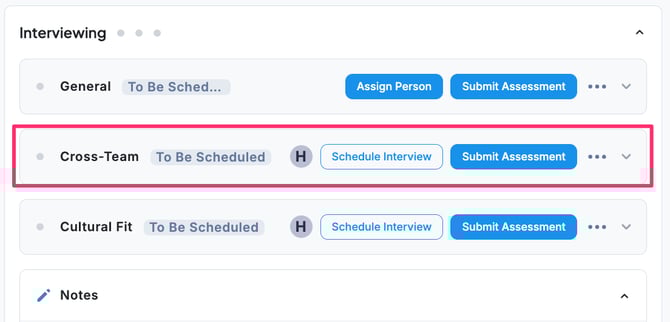
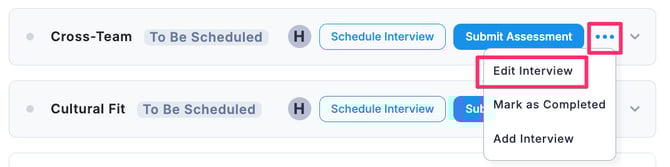
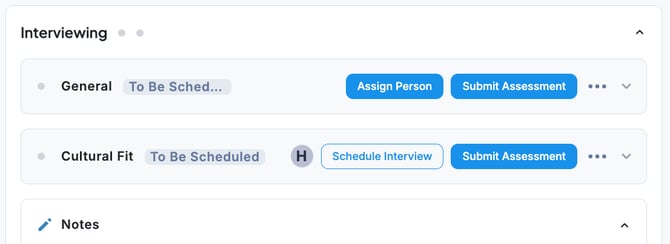
If you want to skip a scheduled interview, go to the Stages tab, click the “… “ menu next to the interview, and select Edit Interview.
-
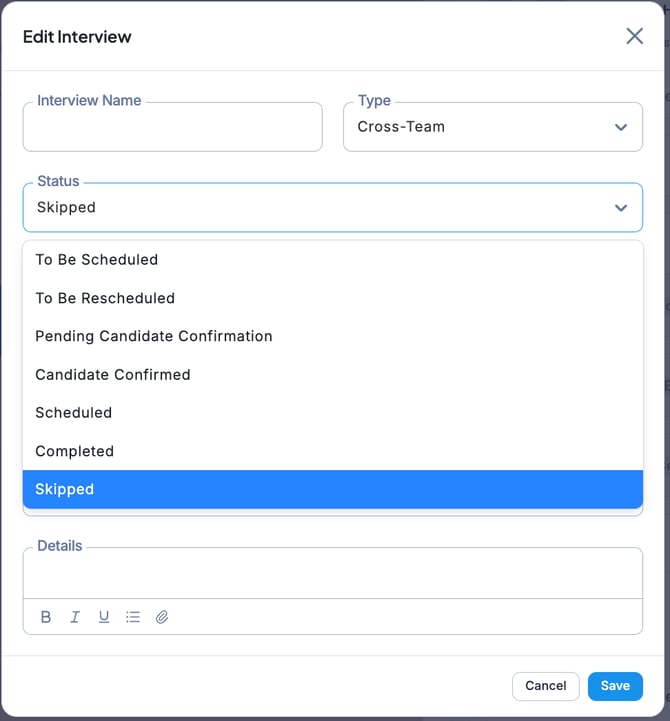
In the Edit Interview screen, select Skip from the Status dropdown, then click Save.
-
The interview has now been skipped. Skipped interviews will no longer be displayed in the Stages tab.
💡Skipped interviews are hidden in the Stages tab but can still be viewed in the Interviews tab.