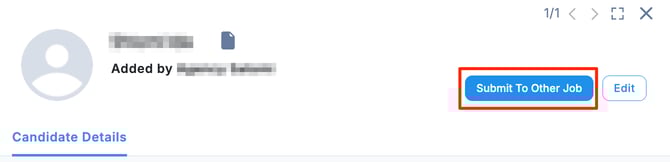
- To submit a candidate you have already submitted to other job, open the candidate detail page and click the “Apply to Other Job” button in the upper-right corner.
- When the “Add Candidate to Job” window appears, select the target job and click “Add To Job.”
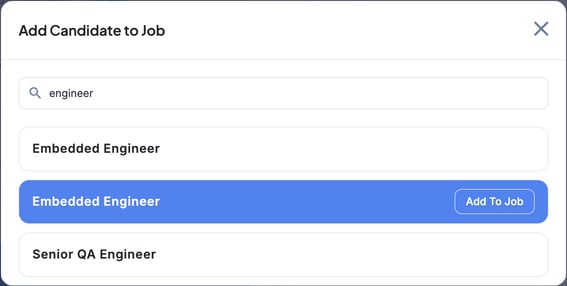
※ This list displays all jobs from all clients. - Once the status changes to “Applied,” the submission is complete.

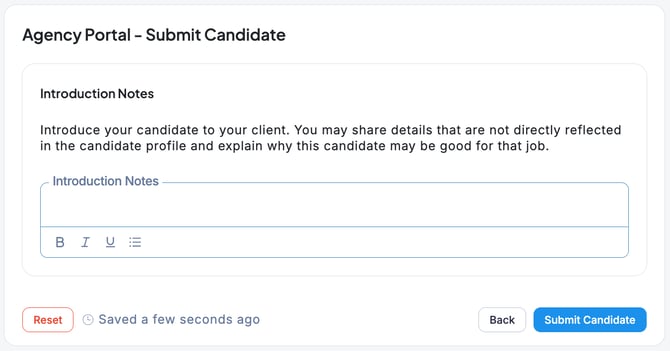
🚨 With this method, you cannot include an introduction message for the client.
If you need to submit the candidate with an introduction message, please submit the candidate again from the relevant job page.