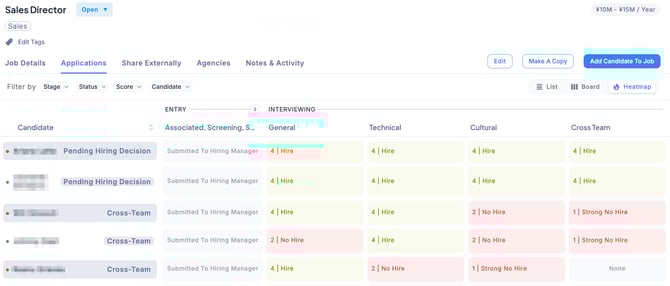
In the Applications tab of each Job, you can switch between three display options: List View, Board View, and Heatmap View.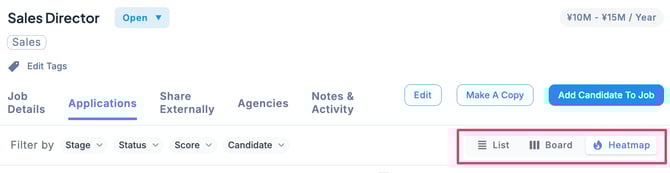
List View
Displays candidate information in a list format, allowing you to see key details at a glance.
With filtering and sorting functions, you can easily search and manage candidates.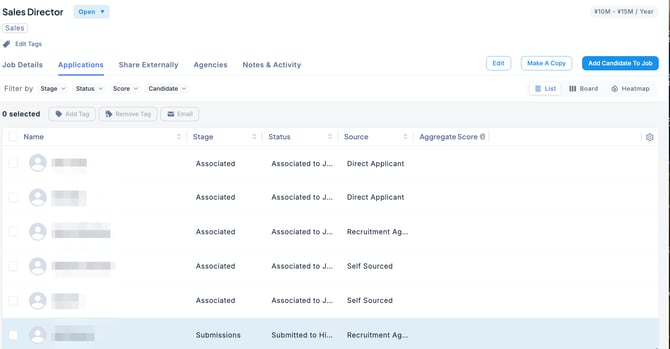
Board View
Organizes candidates by stage, making progress easy to manage visually.
You can instantly see how many candidates are in each stage and track their status, allowing for smooth progress management throughout the hiring process.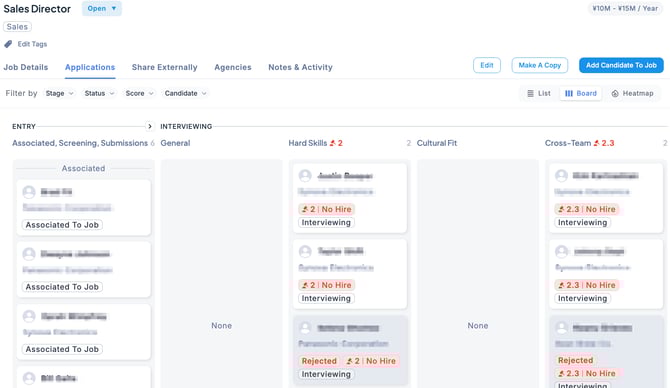
Heatmap View
Visualizes candidate progress based on interviewer evaluation scores, using color coding. Green indicates promising candidates, while red suggests low hiring potential.
If candidates cluster in red at a particular stage, you can quickly identify bottlenecks in the hiring process and take corrective actions promptly.