
🚨
Administrators: Can view all assessments.
Power Users: Can view all assessments for Jobs they are assigned to.
Collaborators: Cannot view others’ assessments and can only view their own submissions. (However, with a custom feature, Collaborators may also be able to view others’ assessments.)
-
In the Applications tab of the Job, select the candidate, then in the Interviewing stage under the Stages tab, click the downward arrow.

-
The section will expand, displaying a list of all past assessments recorded by each interviewer.
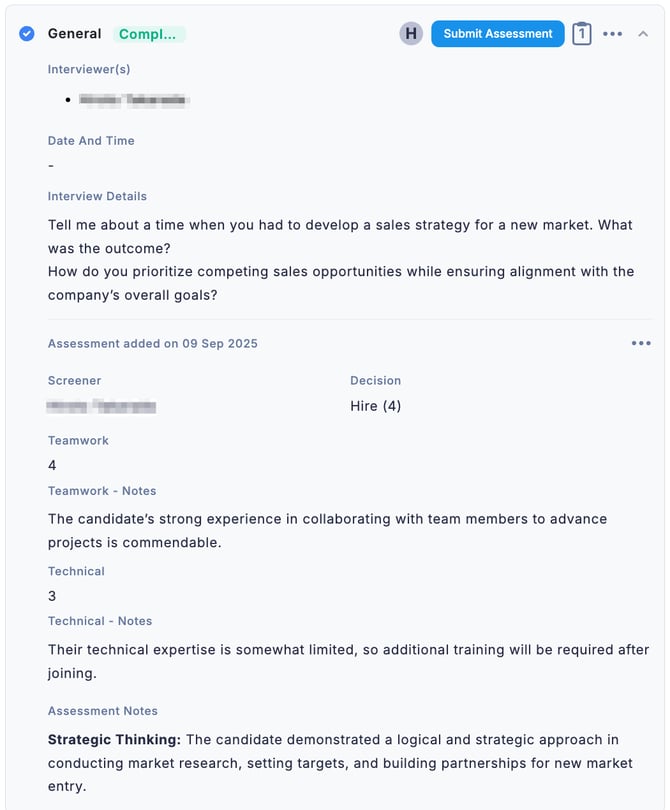
💡 Assessments are displayed in order of the most recent date first.