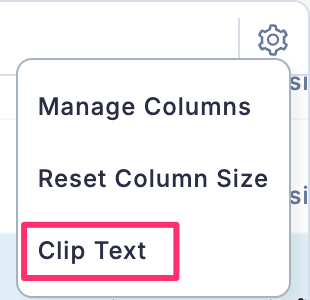
By default, column text is truncated once it reaches a certain length. If you want to wrap text and display the full content, follow the steps below.
- Access Column Settings
- From the displayed menu, select Wrap Text.
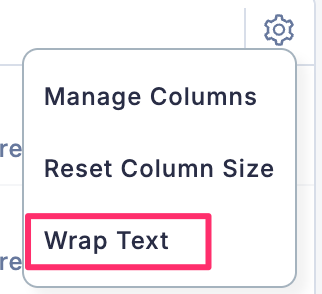
- The text is now displayed with wrapping enabled.

If you want to switch back to truncated text display, click the gear icon, then select Clip Text from the menu.