
This setting can only be configured by administrators.
- Click the gear icon on the left side of the screen to access the Settings: Access the Settings
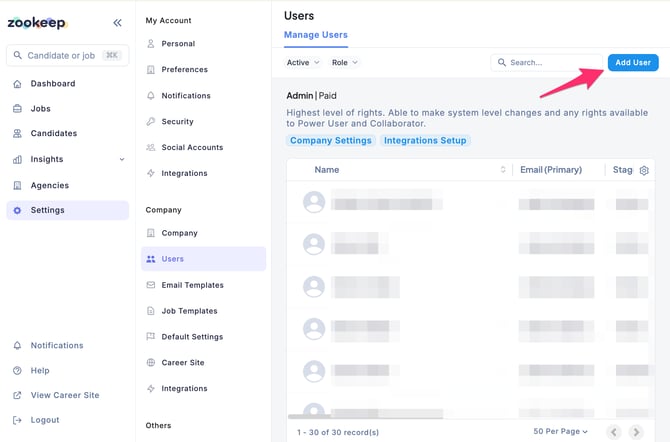
- From the left-side menu, click Users, then click the Add User button.
- On the Add User screen, enter the user information:
- Email address (required)
- Full name (required)
- Preferred language
- Country
- Photo – optional
- Access level (required)
- Choose from Administrator, Power User, Collaborator, or External Recruiter
- After entering the information, click the Add User button.
💡 An invitation email containing a link to set up the account will be automatically sent to the newly added user.