
Once the candidate has accepted the offer and the hiring decision is finalized, set the Start Date.
- In the Job’s “Applications” tab, select the candidate, then go to the Stages tab → Final Phase → Awaiting Start Date section, and click Set Start Date.

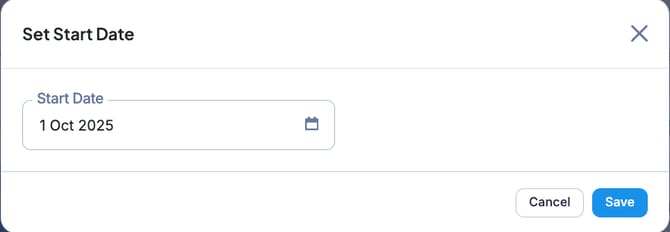
- Select the Start Date, then click Save.

💡The start date can be modified later, and it is also possible to enter a past date.
In that case, click the “… ” button next to “Confirm Started” and select “Edit Start Date.”
