
The columns displayed in Jobs and Candidates lists can be customized.
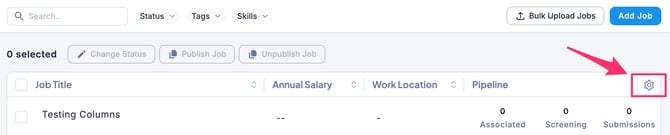
Note: The gear icon appears in the Applications tab of each job when the view is set to List.
- Go to the Jobs, Candidates, Agents, or Users tab, and click the gear icon in the upper-right corner of the screen.
-
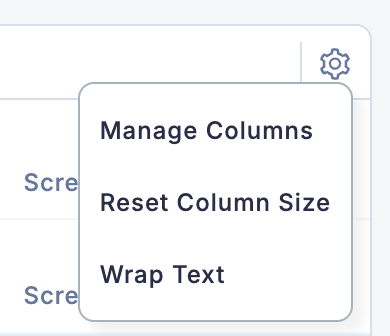
When you click the gear icon, the column settings menu will appear.
-
Column settings allow you to:
- Manage column items
- Reset column widths
- Enable or disable text wrapping