In ZooKeep, you can individually edit a candidate’s interview process.
This section explains how to add an interview.
-
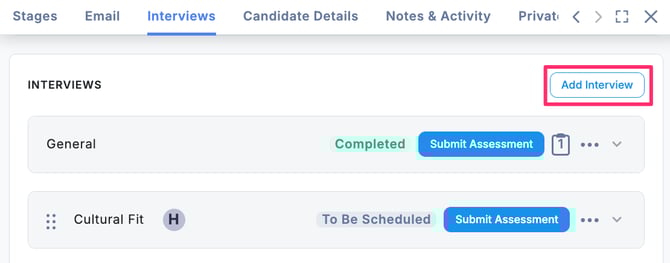
At the top of the Interviews section, click the Add Interview button.
-
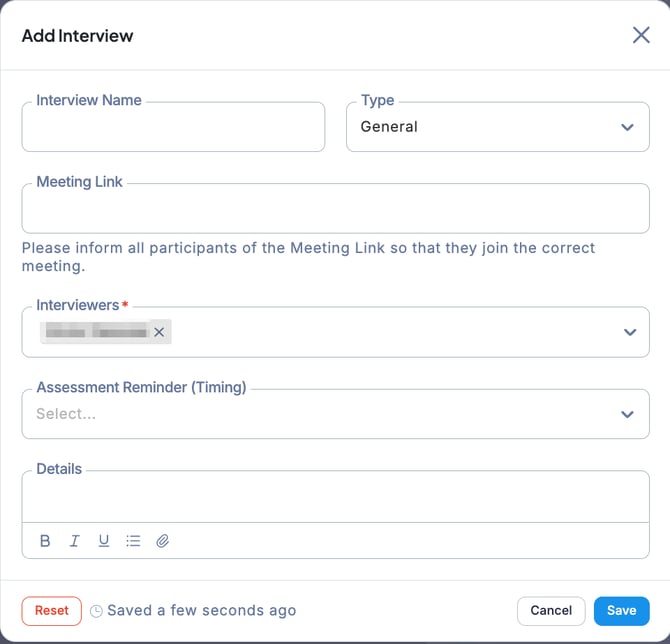
When the Add Interview window appears, enter the required information and click Save.
-
The new interview has now been created at the end of the interview sequence.
💡 By clicking the “… “ menu for any interview and selecting Add Interview, you can insert a new interview directly below the current one.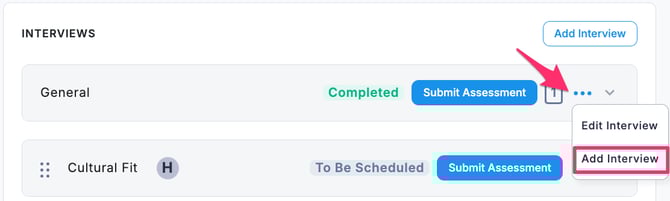
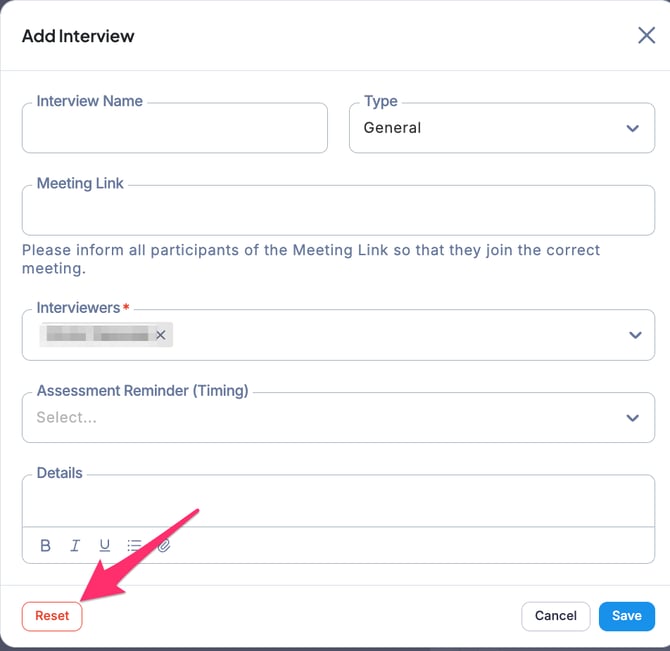
In the Add Interview window, click the Reset button to clear all entered information.