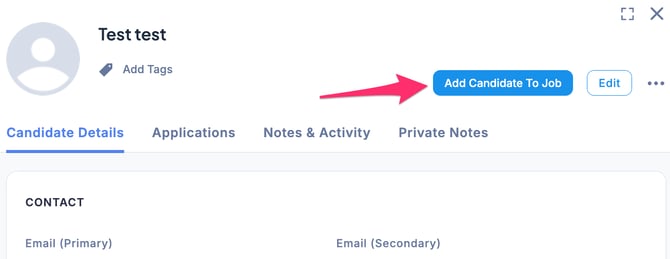
- Open the candidate’s profile and click Add Candidate To Job in the upper-right corner of the screen.
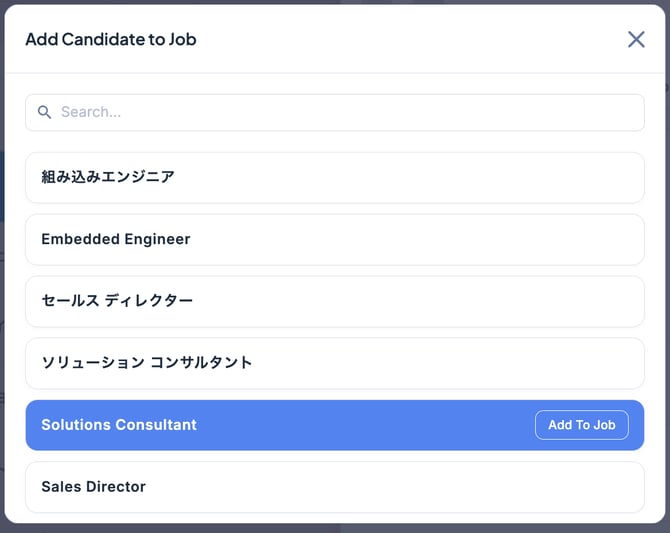
- When the Add Candidate to Job window appears, select the desired Job and click Add to Job. You can also use the search field to look up Jobs by title or related details (such as role or requirements).
-
The candidate has now been added to the Job.
Added candidates will be marked as Applied.