
This section introduces how to automatically import candidate resumes. It is a convenient feature that significantly reduces the need for manual data entry.
- In the Candidates section, click the Add Candidate button.

- Drag and drop the file into the Fill in with Resume area at the top of the screen, or click inside the dotted area to select the file.
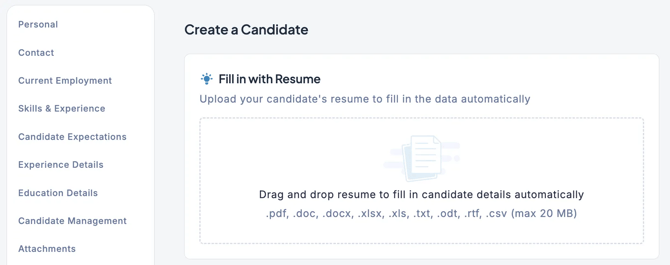
- The resume content will be parsed, and the fields will be filled in automatically.
- Once the information is populated, click the Save button.
💡 Please refer here for the file requirements supported for resume imports.
- Some resumes may not be importable depending on their format.
- The accuracy of automatic import is not 100%, so always verify that each field has been filled in correctly.