
This section explains how to edit the various items registered in Job Templates:
- Job Conditions
- Pre-Screening Questions
- Interview Templates
- Evaluation Criteria
- Core Competencies
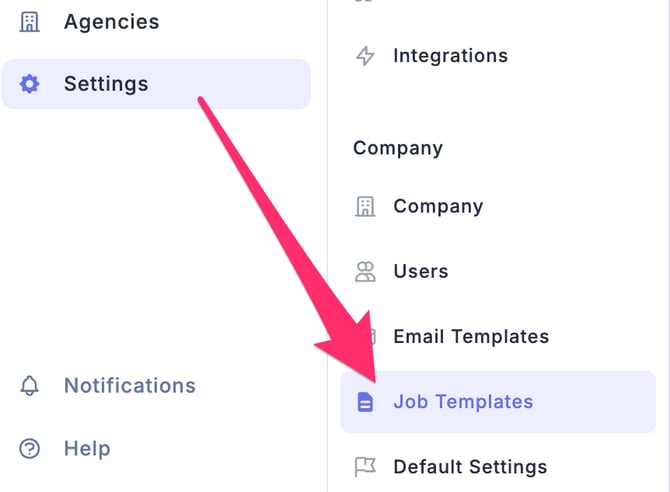
- Click Settings (gear icon) on the left side of the screen to access the Settings screen.
- From the left-side menu, click Job Templates.
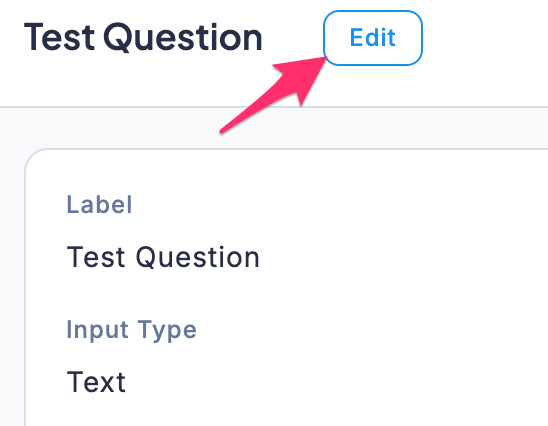
- Select the item you want to edit and click the Edit button.
- Once you have finished editing, click the Save button.