
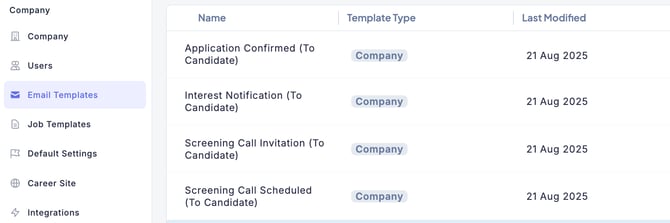
- Click Settings (gear icon) on the left side of the screen to access the Settings screen. From the left-side menu, click Email Templates.
- From the template list, select the template you want to edit.
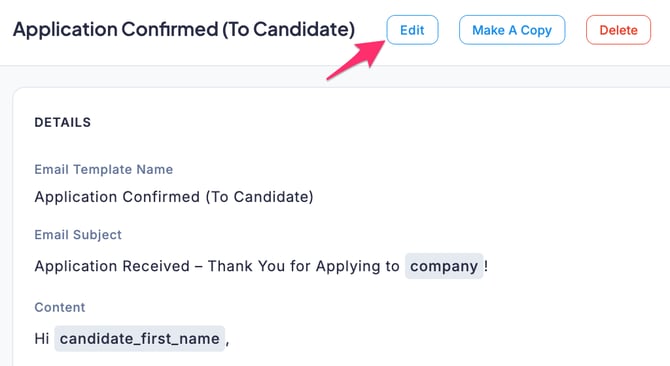
- Click the Edit button.
- When the Edit Email Template screen appears, edit the content as needed.
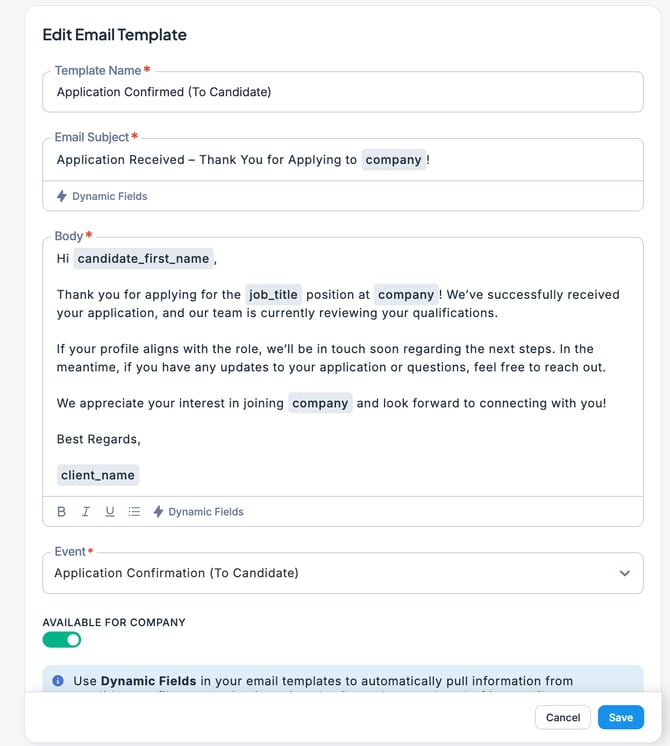
- Once you have finished editing, click the Save button.
💡 ZooKeep comes with a variety of preloaded message templates. These default templates can also be edited.