
This setting can only be configured by Administrators.
ZooKeep provides each company account with a dedicated Career Site, where Jobs can be published to the public.
By default, the Career Site is enabled, but administrators can choose to disable or re-enable it.
Only Administrators can enable or disable the Career Site.
How to Enable the Career Site
- Access Company Information Settings
- In the Career Site section, toggle the Career Site switch to ON.
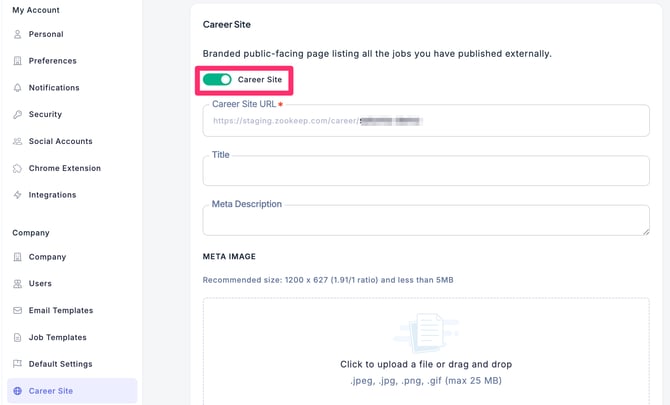
- The switch is now turned on. Click Save Changes to confirm. The Career Site URL is now accessible, and you can begin publishing Jobs on the Career Site.
How to Disable the Career Site
- Access Company Information Settings
- In the Career Site section, toggle the Career Site switch to OFF.
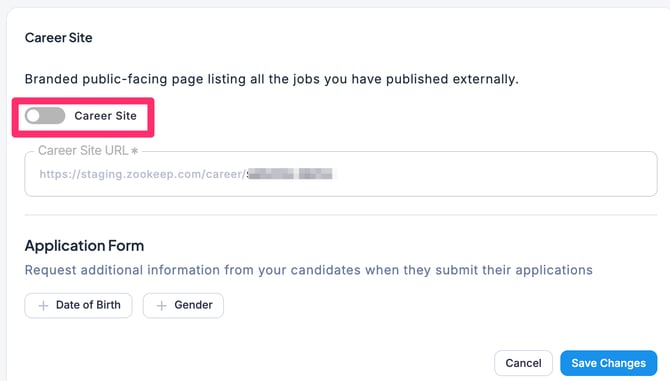
- The switch is now turned off. Click Save Changes to confirm. The Career Site URL will no longer be accessible, and any Jobs previously published on the Career Site will be unpublished.