
This section explains how to search across the entire system using Global Search.
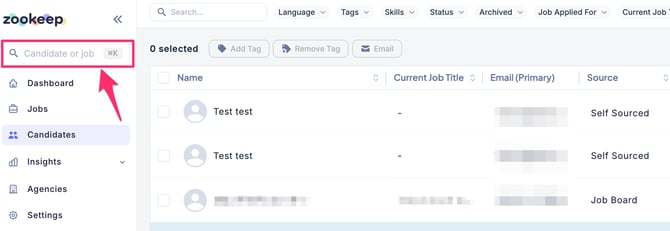
- Enter a keyword into the search bar on the left side of the screen.
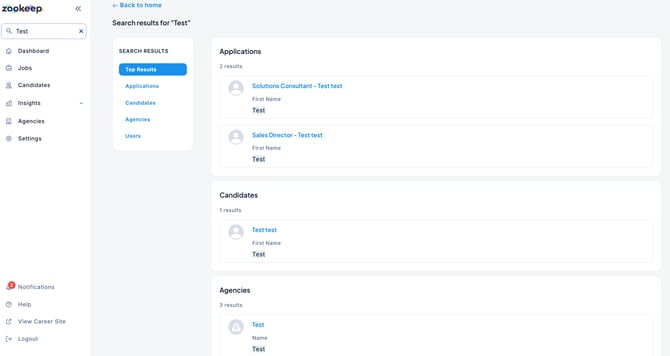
- All results containing the entered keyword will be displayed.
In addition to Global Search, each section also has its own search function to find specific Jobs, Candidates, Users, and more.