
Each Job’s hiring pipeline is managed in the candidate’s Stages tab.
Here, we will introduce the Interviewing Stage.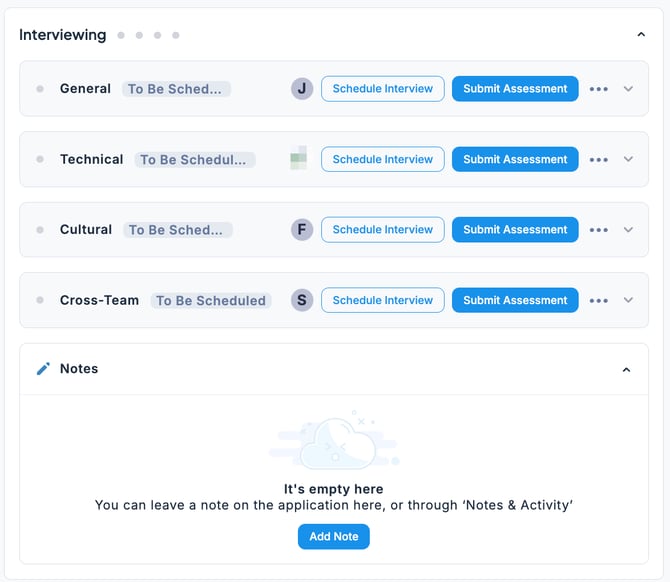
- Interviewing The interviews predefined for the Job are displayed by default.
You can schedule interview dates and submit evaluations after each interview.
You can also view the assigned interviewers and interview details (including notes or instructions).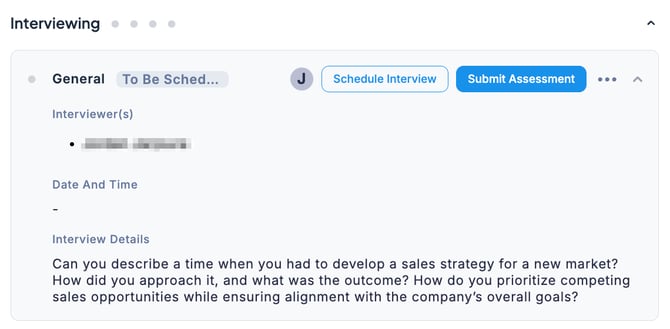
💡 The Stages tab is designed to centrally manage all tasks from the Entry Phase to the Final Phase.
If you want to focus specifically on interviews for review and actions, use the Interviews tab instead.
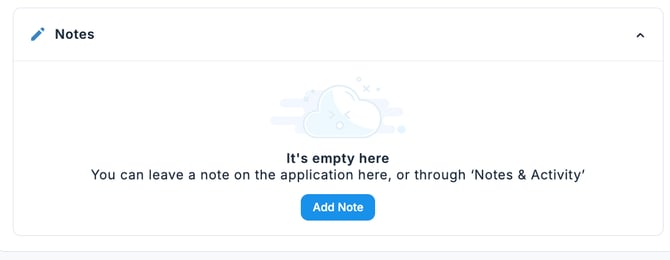
- Notes If there is information you want to share with your team, you can register it as a note. The content you add will also be available in the Notes & Activities tab.
🚨 Note: Users with Collaborator permissions cannot view Notes & Activities.