
You can choose how candidate and user names are displayed within the ZooKeep system and in notifications:
- Last Name First (Surname Given Name)
- First Name First (Given Name Surname)
- Click Settings (gear icon) on the left side of the screen to access the Settings screen.
- In the My Account section, go to the Preferences screen and choose whether names should begin with First Name or Last Name.
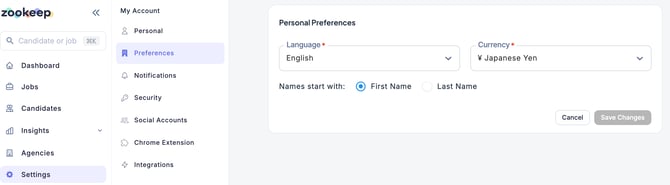
- Click the Save Changes button.