
During the screening process, if you plan to conduct an interview with the candidate, you can schedule the interview.
To schedule a screening interview, you must first add a screening interview in advance.
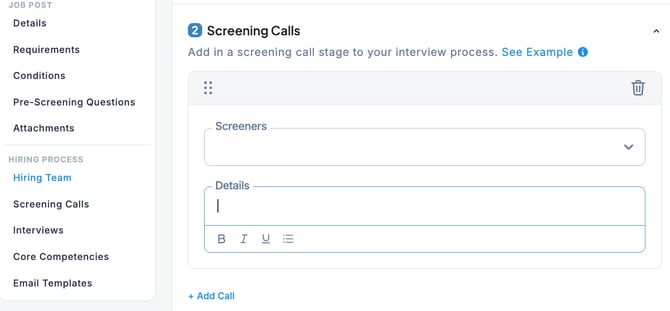
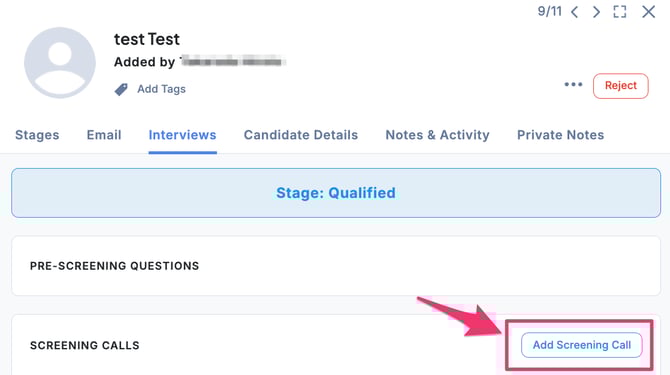
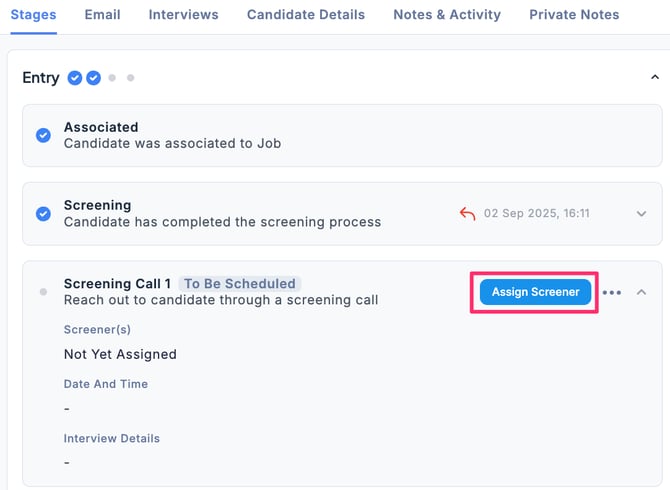
- In the Applications tab of the Job, select the candidate, go to the Entry section under the Stages tab, and click Assign Screener.
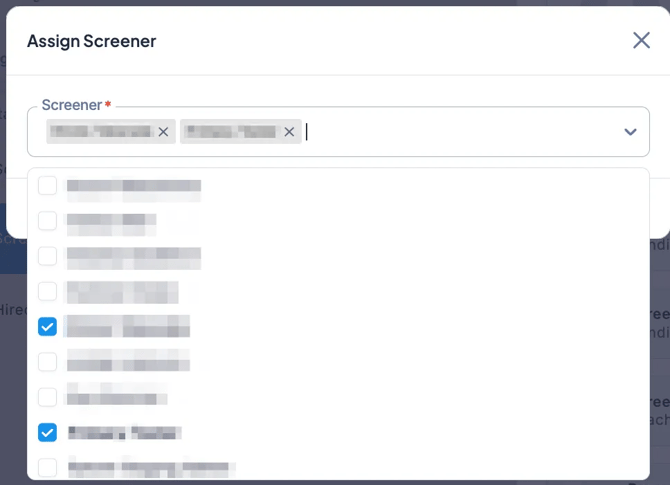
- Select the Screener(s) and click Save. If there are multiple Screeners, select each one as needed.
- Click Schedule Screening Call.
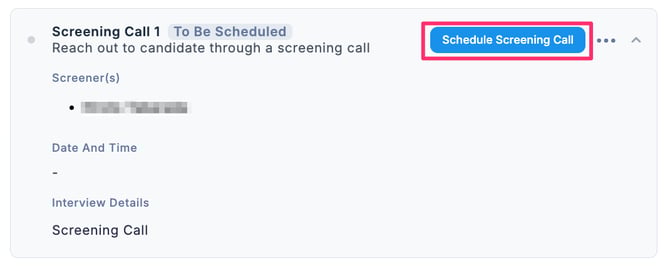
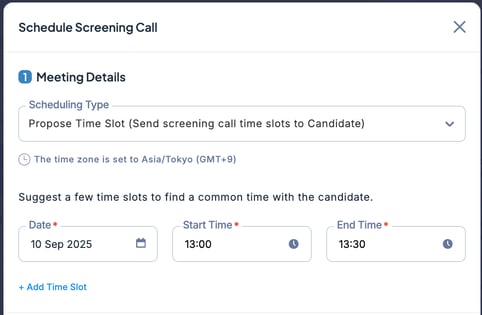
- In the Schedule Screening Call screen, enter the required details such as Meeting Details and Email Notification, then click Send or + Schedule Send. For more information on scheduling types, please refer to this section.
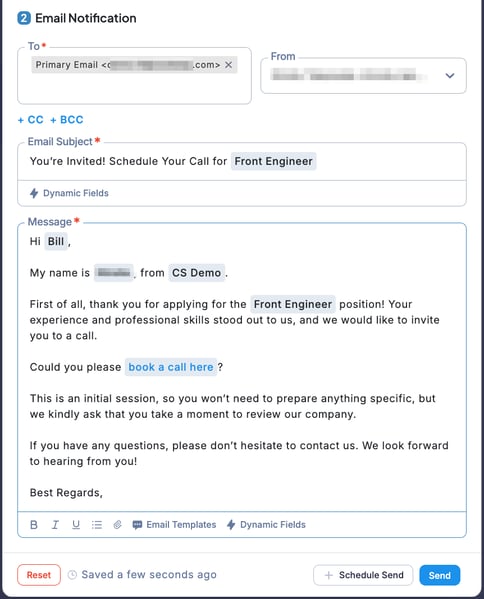
💡 You can also use an email template for the message you are sending.
In the Screening Interview section, click the “ … ” menu to edit or cancel the interview and perform other actions.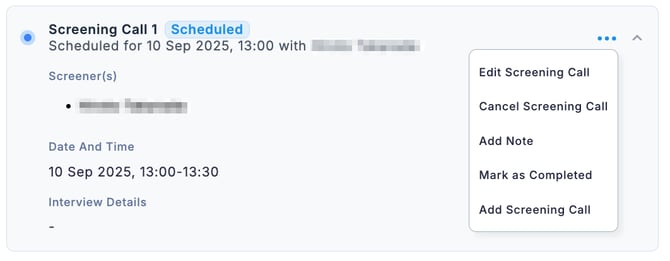
Click Add Note to allow the screening interviewer to leave notes.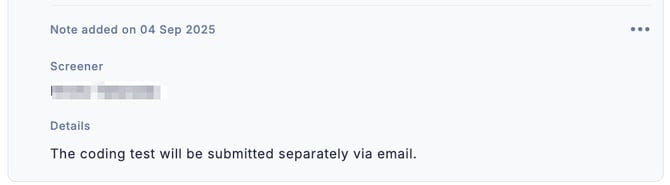
You can also register multiple screening calls.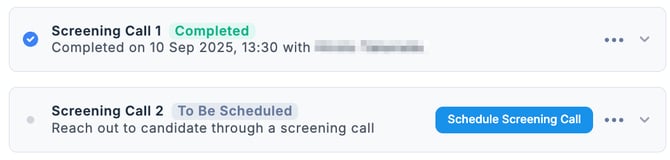
🚨 Unlike regular interviews, screening calls do not allow for evaluation submission.