- Go to the relevant job and click the “Submit Candidate to Job” button in the upper-right corner of the screen.

- Enter the candidate’s information.
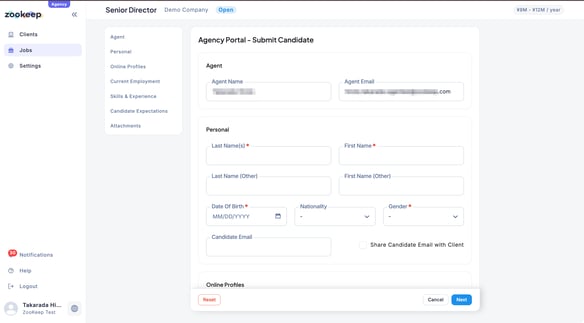
- Click “Next”, then add an introduction message if needed.
Once all required information has been completed, click “Submit Candidate.”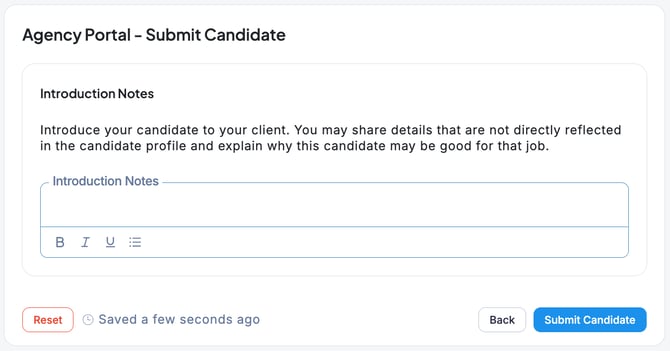
- When the confirmation screen regarding the candidate’s consent appears, check the box and click “Confirm Submit.”
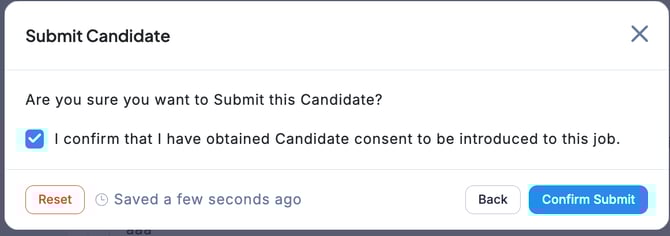
※ Please make sure the candidate has agreed to be introduced for this position before proceeding. - The candidate submittion is now complete.
💡 On the job page, click “Submitted Candidates” to view a list of candidates you have previously submitted.