
🚨 In the Agent Portal, you can edit the information of a candidate that has already been submitted.
However, before making any updates, please make sure to communicate appropriately with the client in advance.
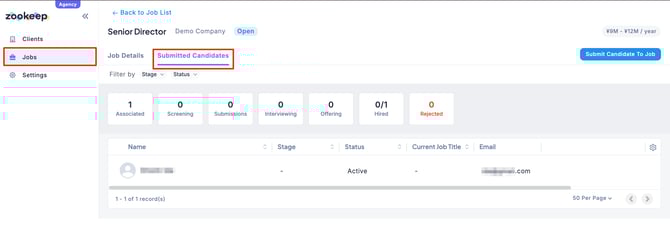
- Click the “Submitted Candidates” tab for the relevant job, then select the candidate you want to update.
- When the candidate detail page opens, click the “Edit” button in the upper-right corner of the screen.

- After completing your edits, click “Save.”
