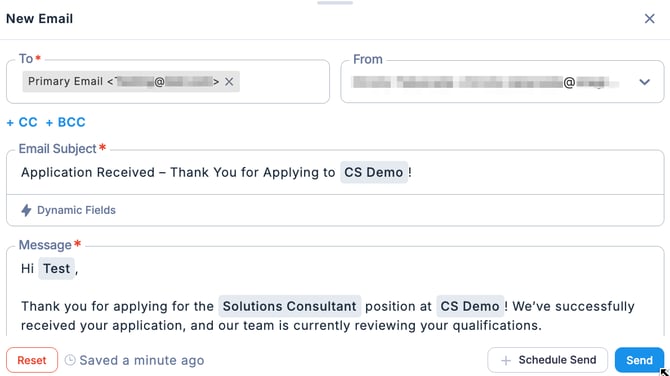
- Open the new message composition screen.
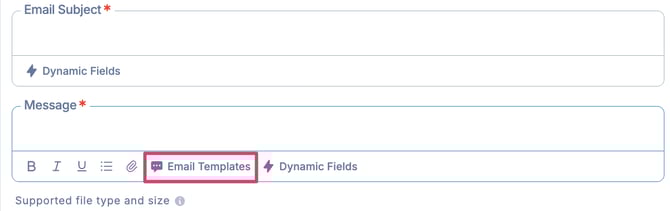
- In the New Email screen, under the Message section, click Email Templates.
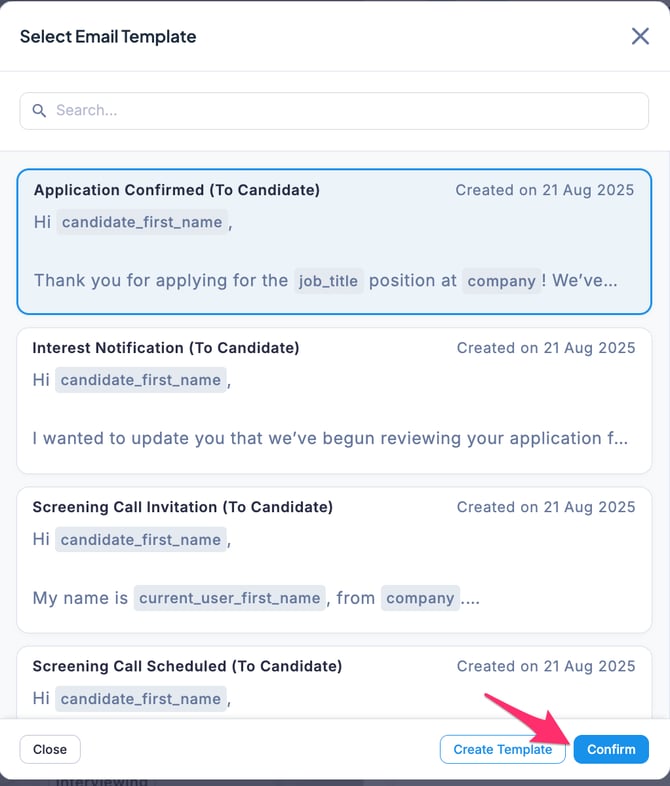
- Select the desired template and click Confirm.
- The template has been loaded, and the predefined subject and message content have been inserted.