
Once a candidate has been assigned to a Job, you can begin the selection process.
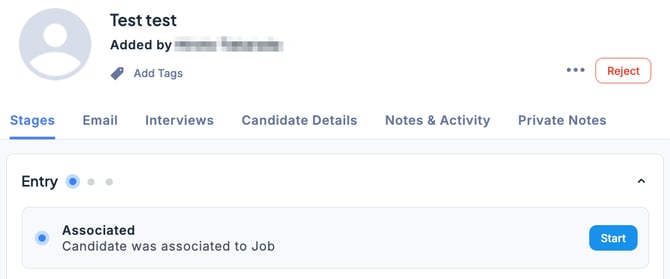
- In the Applications tab of the Job, select the candidate, go to the Stages tab under the Entry section, and click Start.
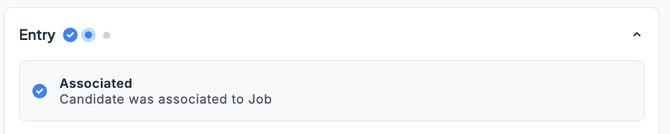
- The selection process has now started. The Application Acknowledgment page will open, where you can review the content of the Email Notification to be sent to the candidate. Check that the recipient’s email address (To), subject line, and other details are correct.
-
If everything is correct, click Send.
-
If you want to proceed with starting the selection process without sending an email, click Confirm Without Email.
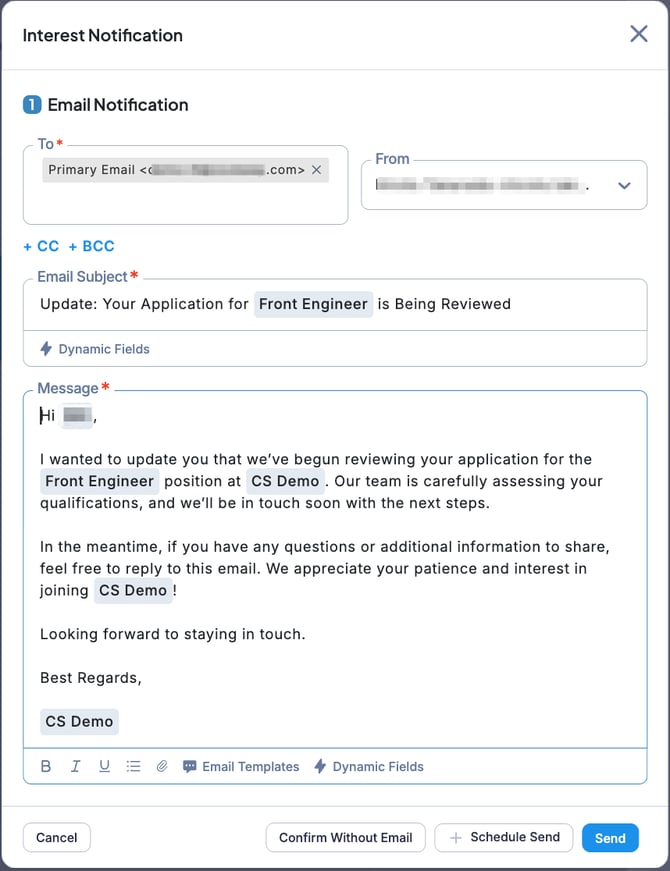
💡 If multiple email addresses are registered in the candidate’s profile, click the To field to select the desired email address.
You can also use an email template for the message you are sending.