
- In the Candidates section, click the Add Candidate button.

- When the Create a Candidate screen appears, enter the required information from top to bottom. Fields marked with a red asterisk (*) are mandatory.
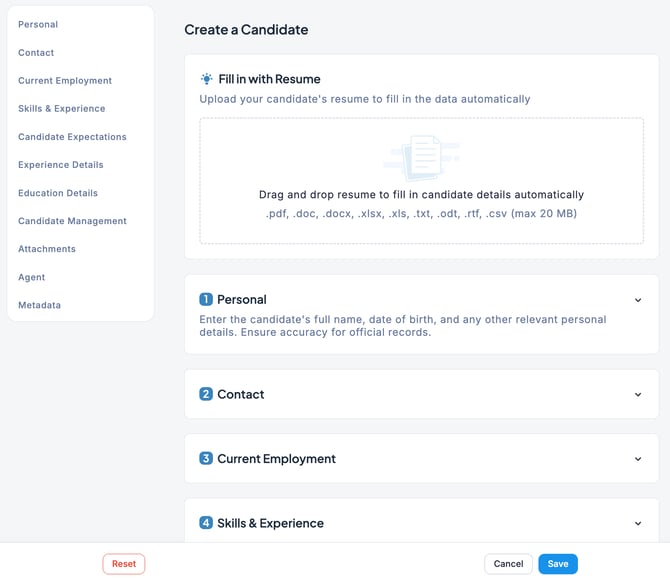
- Once you have finished entering the information, click the Save button. The candidate has now been added.
💡 Each candidate’s email address must be unique. Multiple candidates cannot share the same email address.
Direct Applications
When a candidate applies directly through the Career Site or a Private Job Posting, their profile is automatically created in ZooKeep based on the information they provide.